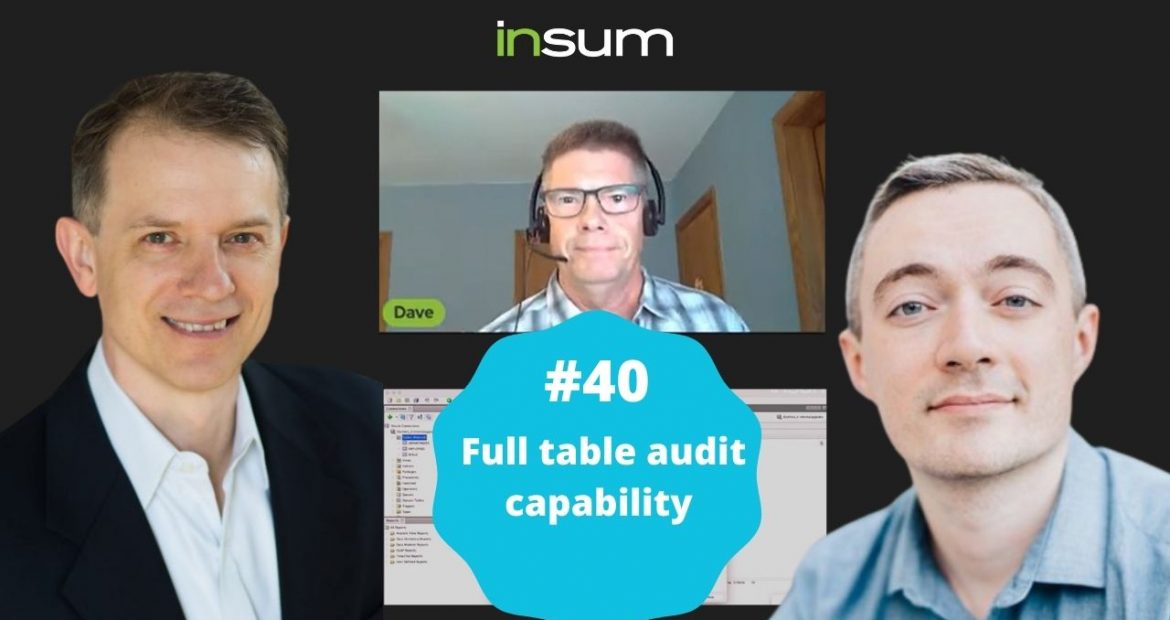
Using standard table audit columns, you can easily provide your application users with information on who changed the application and when. However, if your users need more information, Oracle SQL developer can quickly provide you with full table auditing, within just a few clicks. Special guest and Insum colleague David Schleis shows us how and what information is available!
View Past Episodes
Full episode list on YouTube here.
Past Episodes

APEX Instant Tips #177: The second 5 minutes of almost every code review
For this episode, log into your APEX development workspace and follow along with this code review....
Read more
APEX Instant Tips #176: “Session State Protection” vs “Value Protected”
2 settings, Session State Protection and Value Protected, and 3 places they can apply. Anton and...
Read more
APEX Instant Tips #175: Why is my APEX item null? What is item “Storage”?
Be aware of the order of operations in APEX. Keep this in mind: Processes happen before...
Read more
APEX Instant Tips #174: Dynamic Actions and Order of Execution
Dynamic actions have brought client-side JavaScript to everyone, but it is still important to understand a...
Read more
APEX Instant Tips #173: Naming User Preferences
Anton teams up with very special guest Hayden Hudson to add a follow up on epsisode...
Read more
APEX Instant Tips #172: Region Template Best Practices
Standard? Blank with Attributes? Blank with Attributes (No Grid)? When should I use each of these...
Read more
APEX Instant Tips #171: APEX v24.2 Opening Modal Dialog Pages
When upgrading to APEX v24.2 be sure to fix custom javascript that opens modal dialog pages...our...
Read more